1.概述
gRPC(Google Remote Procedure Call)是一种高性能、跨语言的远程过程调用框架,为了简化操作,就有了micro
Micro 是一个基于 Go 的微服务框架,旨在简化构建分布式系统的过程。它提供了一组工具和库,用于处理常见的分布式系统问题,如服务发现、负载均衡、消息传递和配置管理等。
这里介绍如何简单使用micro,并使用consul作为注册中心。
为了方便,docker安装consul。
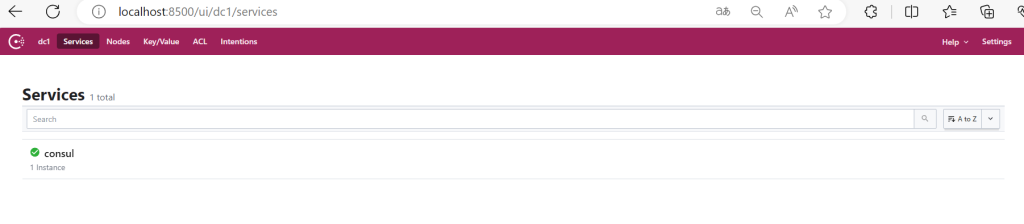
运行consul
docker run -d -p 8500:8500 --restart=always --name consul consul:1.8.8 agent -server -bootstrap -ui -node=consul_node_01 -client='0.0.0.0'
访问
http://localhost:8500
2.简单使用
下载go-micro
go install github.com/go-micro/cli/cmd/go-micro@latest
下载proto相关(使用过grpc上述proto相关都应该下过)
go get -u google.golang.org/protobuf/proto
go install google.golang.org/protobuf/cmd/protoc-gen-go@latest
再下载一个micro相关的proto
go install github.com/go-micro/generator/cmd/protoc-gen-micro@latest
服务端(服务注册)
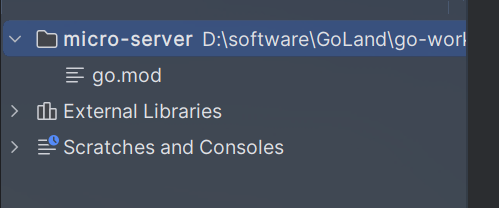
先创建项目micro-server
创建服务端
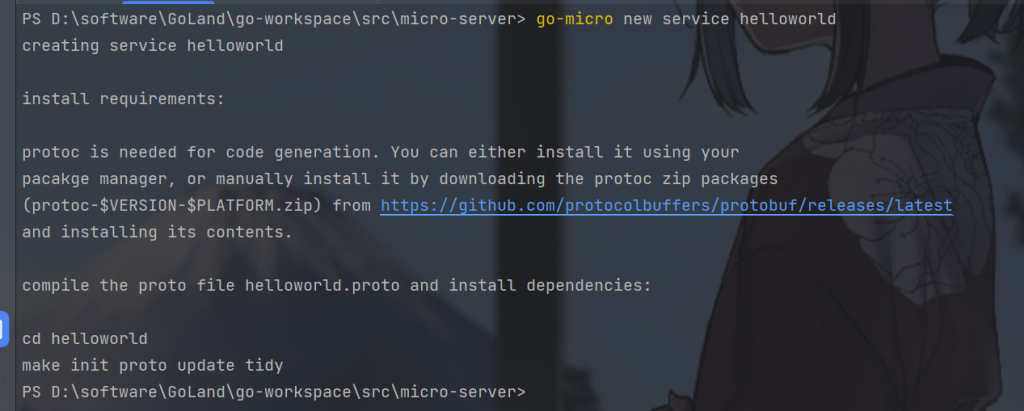
go-micro new service helloworld
生成的目录结构如下
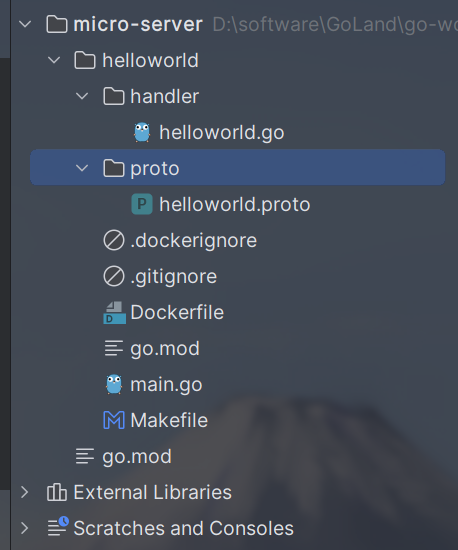
默认的proto文件写了4个方法,正是grpc的4种服务,以及一些自定义的request和response
syntax = "proto3";

package helloworld;

option go_package = "./proto;helloworld";

service Helloworld {
  rpc Call(CallRequest) returns (CallResponse) {}
  rpc ClientStream(stream ClientStreamRequest) returns (ClientStreamResponse) {}
  rpc ServerStream(ServerStreamRequest) returns (stream ServerStreamResponse) {}
  rpc BidiStream(stream BidiStreamRequest) returns (stream BidiStreamResponse) {}
}

message CallRequest {
  string name = 1;
}

message CallResponse {
  string msg = 1;
}

message ClientStreamRequest {
  int64 stroke = 1;
}

message ClientStreamResponse {
  int64 count = 1;
}

message ServerStreamRequest {
  int64 count = 1;
}

message ServerStreamResponse {
  int64 count = 1;
}

message BidiStreamRequest {
  int64 stroke = 1;
}

message BidiStreamResponse {
  int64 stroke = 1;
}
这里修改一下,使用我们自定义的方法
修改proto/helloworld.proto
syntax = "proto3";

package helloword;

option go_package = "./proto;helloworld";

service Helloworld{
  //一元调用
  rpc SayHello(SayRequest) returns(SayResponse){}
}
message SayRequest{
  string name = 1;
  string msg = 5;
}
message SayResponse{
  string msg = 5;
}
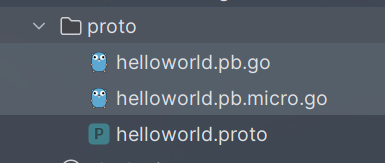
生成proto文件
protoc --proto_path=. --micro_out=. --go_out=:. ./proto/helloworld.proto

如图生成如下文件
下载相关插件
go mod tidy
同样的handle包下默认实现了默认的proto文件的4个方法,所以我们改了proto文件,也要改handle包下的helloword.go文件
默认的helloword.go文件
package handler

import (
    "context"
    "io"
    "time"

    "go-micro.dev/v4/logger"

    pb "helloworld/proto"
)

type Helloworld struct{}

func (e *Helloworld) Call(ctx context.Context, req *pb.CallRequest, rsp *pb.CallResponse) error {
    logger.Infof("Received Helloworld.Call request: %v", req)
    rsp.Msg = "Hello " + req.Name
    return nil
}

func (e *Helloworld) ClientStream(ctx context.Context, stream pb.Helloworld_ClientStreamStream) error {
    var count int64
    for {
        req, err := stream.Recv()
        if err == io.EOF {
            logger.Infof("Got %v pings total", count)
            return stream.SendMsg(&pb.ClientStreamResponse{Count: count})
        }
        if err != nil {
            return err
        }
        logger.Infof("Got ping %v", req.Stroke)
        count++
    }
}

func (e *Helloworld) ServerStream(ctx context.Context, req *pb.ServerStreamRequest, stream pb.Helloworld_ServerStreamStream) error {
    logger.Infof("Received Helloworld.ServerStream request: %v", req)
    for i := 0; i < int(req.Count); i++ {
        logger.Infof("Sending %d", i)
        if err := stream.Send(&pb.ServerStreamResponse{
            Count: int64(i),
        }); err != nil {
            return err
        }
        time.Sleep(time.Millisecond * 250)
    }
    return nil
}

func (e *Helloworld) BidiStream(ctx context.Context, stream pb.Helloworld_BidiStreamStream) error {
    for {
        req, err := stream.Recv()
        if err == io.EOF {
            return nil
        }
        if err != nil {
            return err
        }
        logger.Infof("Got ping %v", req.Stroke)
        if err := stream.Send(&pb.BidiStreamResponse{Stroke: req.Stroke}); err != nil {
            return err
        }
    }
}
修改后
package handler

import (
    "context"
    "go-micro.dev/v4/logger"
    pb "helloworld/proto"
)

type Helloworld struct{}

func (e *Helloworld) SayHello(ctx context.Context, req *pb.SayRequest, rsp *pb.SayResponse) error {
    logger.Infof("Received Helloworld request: %v", req)
    rsp.Msg = "Hello " + req.Name
    return nil
}
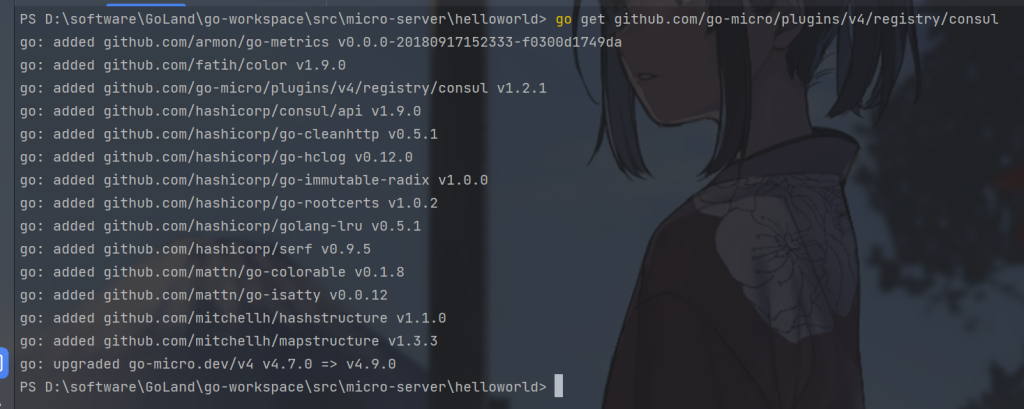
引入consul包
go get github.com/go-micro/plugins/v4/registry/consul
修改main.go,注册到consul
package main

import (
    "github.com/go-micro/plugins/v4/registry/consul"
    "go-micro.dev/v4"
    "go-micro.dev/v4/logger"
    "go-micro.dev/v4/registry"
    "helloworld/handler"
    pb "helloworld/proto"
)

var (
    service = "hello-server"
    version = "1.0.0"
)

func main() {
    //集成consul
    consulReg := consul.NewRegistry(
        registry.Addrs("127.0.0.1:8500"),
    )
    // Create service
    srv := micro.NewService(
        micro.Address("127.0.0.1:9090"),
        micro.Name(service),
        micro.Version(version),
        //注册consul
        micro.Registry(consulReg),
    )
    srv.Init(
        micro.Name(service),
        micro.Version(version),
    )

    // Register handler
    if err := pb.RegisterHelloworldHandler(srv.Server(), new(handler.Helloworld)); err != nil {
        logger.Fatal(err)
    }
    // Run service
    if err := srv.Run(); err != nil {
        logger.Fatal(err)
    }
}
运行
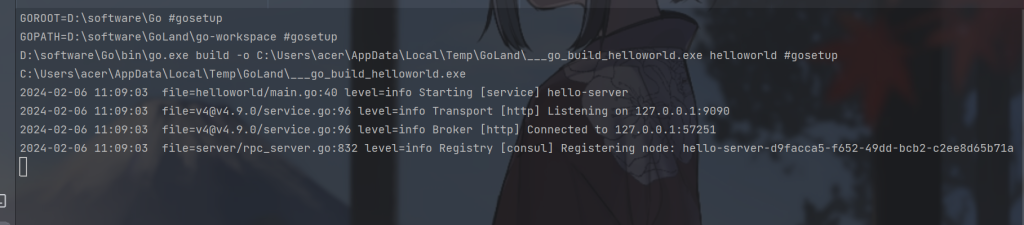
可以看到成功注册到了consul
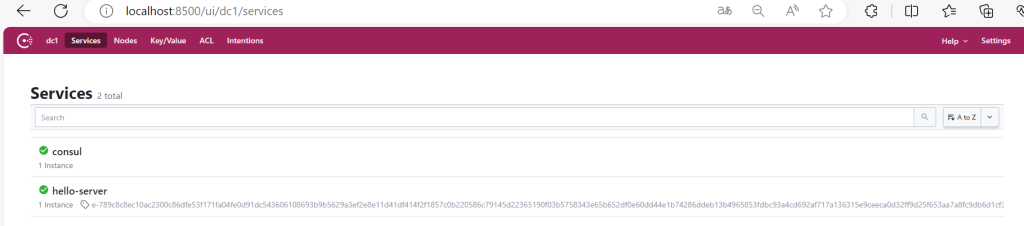
客户端代码(服务发现)
创建一个新项目micro-client
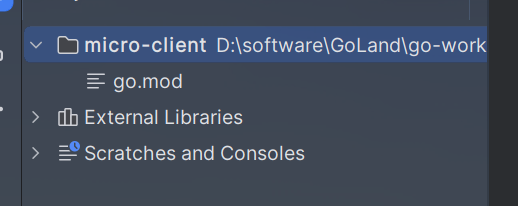
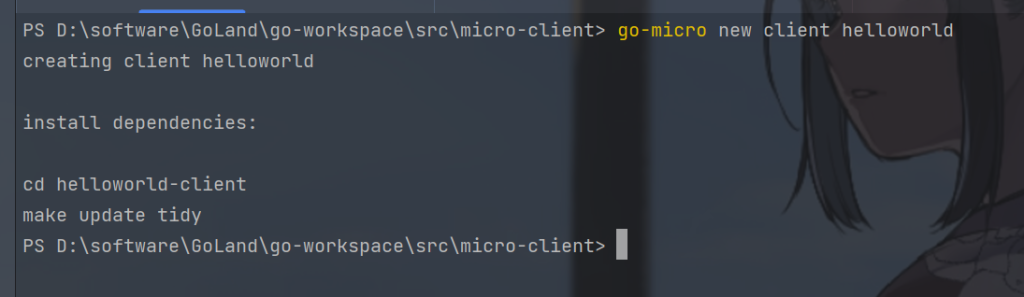
生成客户端代码
go-micro new client helloworld
代码结构如下:
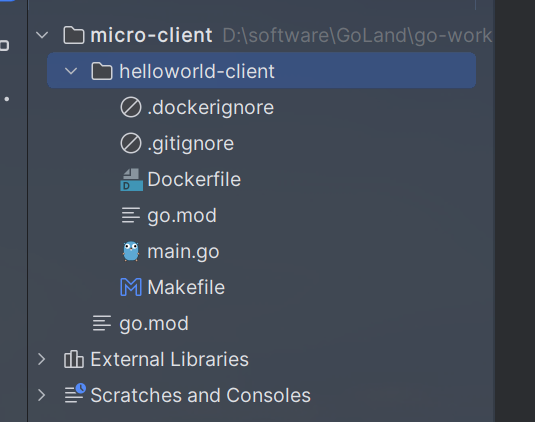
在这里生成的客户端文件夹名字是helloworld-client
将服务端的proto文件夹拷贝
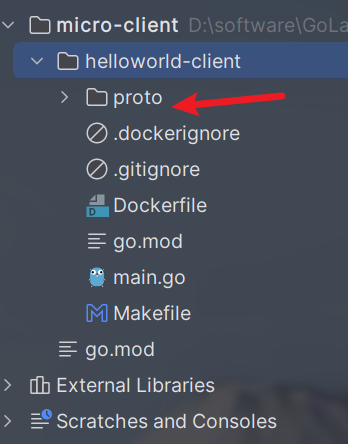
删除gomod文件,重新初始化
go mod init helloworld-client
go mod tidy
如果出现如下错误
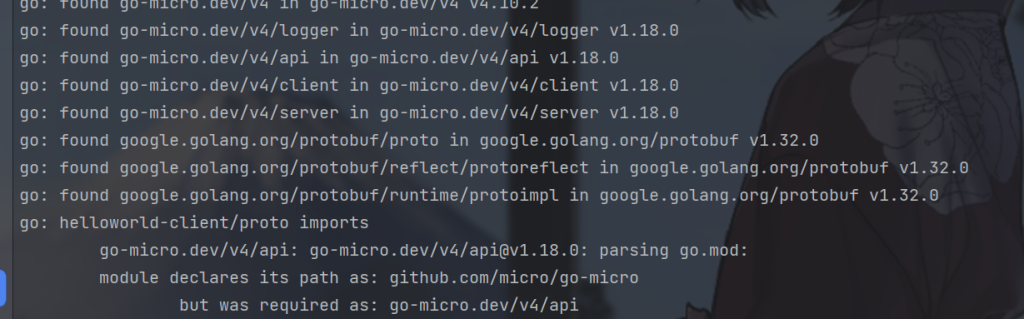
导入即可
go get go-micro.dev/v4/
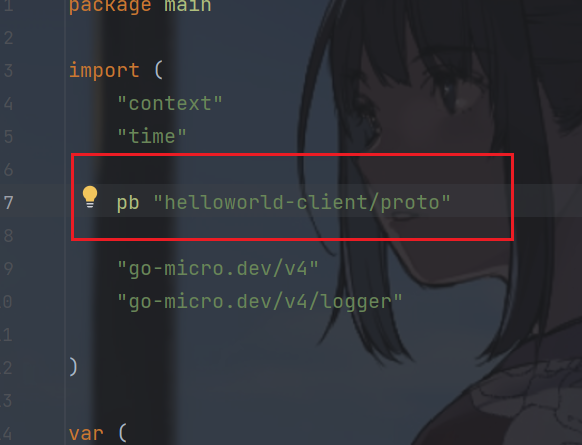
打开main.go替换一下包名,毕竟是服务端拷贝的会出现包名不一致
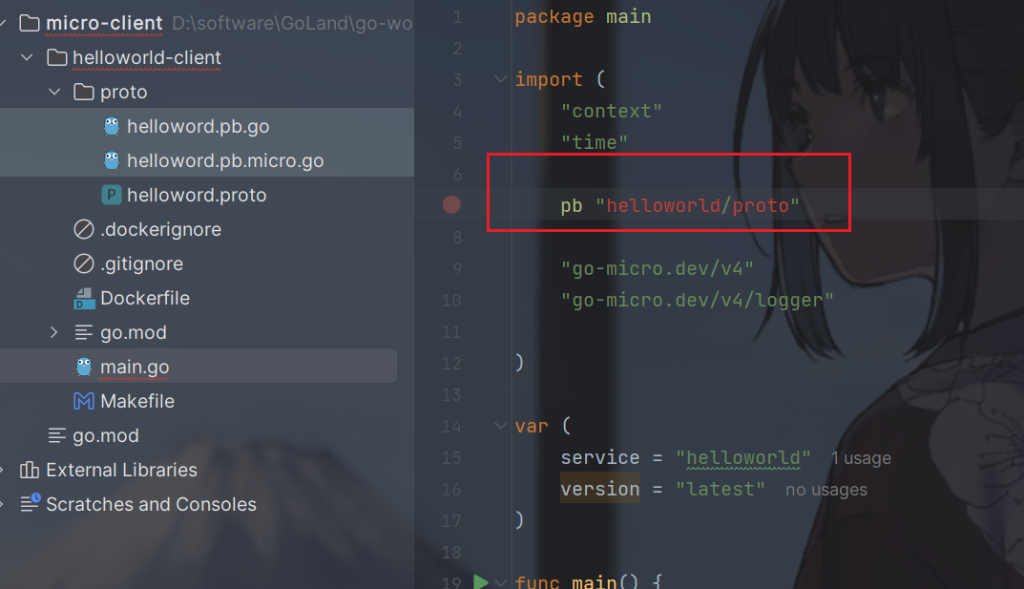
替换如下:
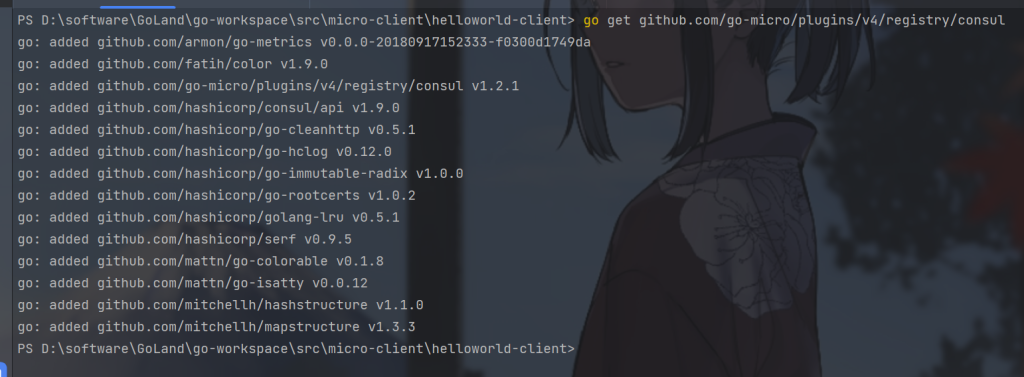
导入consul
go get github.com/go-micro/plugins/v4/registry/consul
main.go是自动生成的代码,会和我们的proto定义的方法不一致,更改如下:
package main

import (
    "context"
    "github.com/go-micro/plugins/v4/registry/consul"
    "go-micro.dev/v4"
    "go-micro.dev/v4/logger"
    "go-micro.dev/v4/registry"
    pb "helloworld-client/proto"
    "time"
)

var (
    //根据service从consul发现
    service = "hello-server"
    version = "latest"
)

func main() {
    //集成consul
    consulReg := consul.NewRegistry(
        registry.Addrs("127.0.0.1:8500"),
    )
    // Create service
    srv := micro.NewService(
        //注册consul
        micro.Registry(consulReg),
    )
    srv.Init()

    // 创建客户端实例
    c := pb.NewHelloworldService(service, srv.Client())
    for {
        // Call service
        rsp, err := c.SayHello(context.Background(), &pb.SayRequest{
            Name: "Dreams",
            Msg: "Hello! This is Client",
        })
       if err != nil {
           logger.Fatal(err)
       }

       logger.Info(rsp)

       time.Sleep(1 * time.Second)
    }
}
运行server项目,再运行client项目
服务端等待

客户端发送消息并成功接收到消息
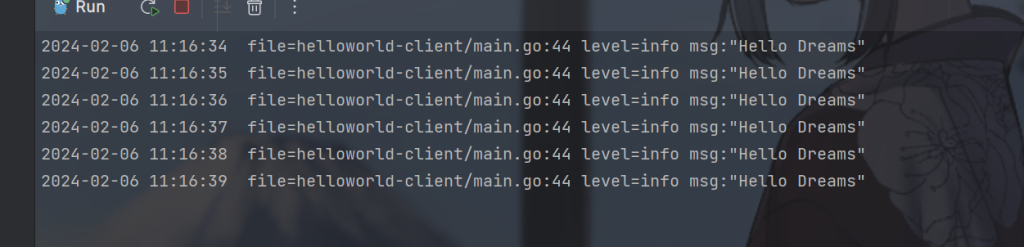
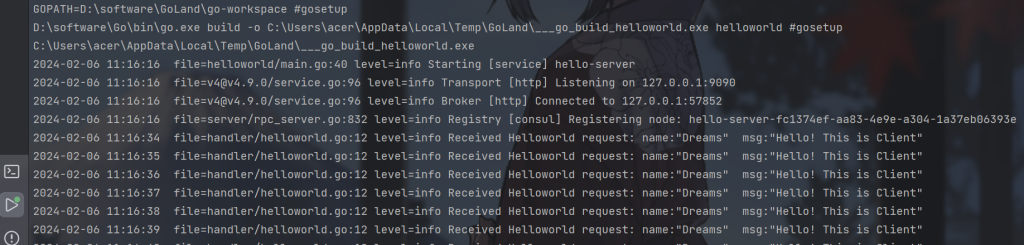
服务端成功接收到消息